Template teardown: a first-order offer on every card
An invented supplements brand's catalogue ad with a first-order code across the top, a fresh-leaf photo window and a sticker only on discounted products.
AI Shopping Feeds 3 min read
Concept, not a real ad. The brand, products and offers here are invented, and the product photos and backgrounds are AI-generated. Each card was rendered by our DPA Creative Editor from the product's feed data, with nothing edited afterwards; the feed post around it is a neutral mock-up. No real brand ran this ad or is connected with it.
On this page · 4 sections
Template Teardown takes one catalogue ad design made in our DPA Creative Editor and pulls it apart: what each part does, which parts come from the product feed, and what you’d change for your own brand. Every example is a concept for an invented brand. The cards are straight output from our renderer, using each product’s feed data, with nothing edited afterwards.
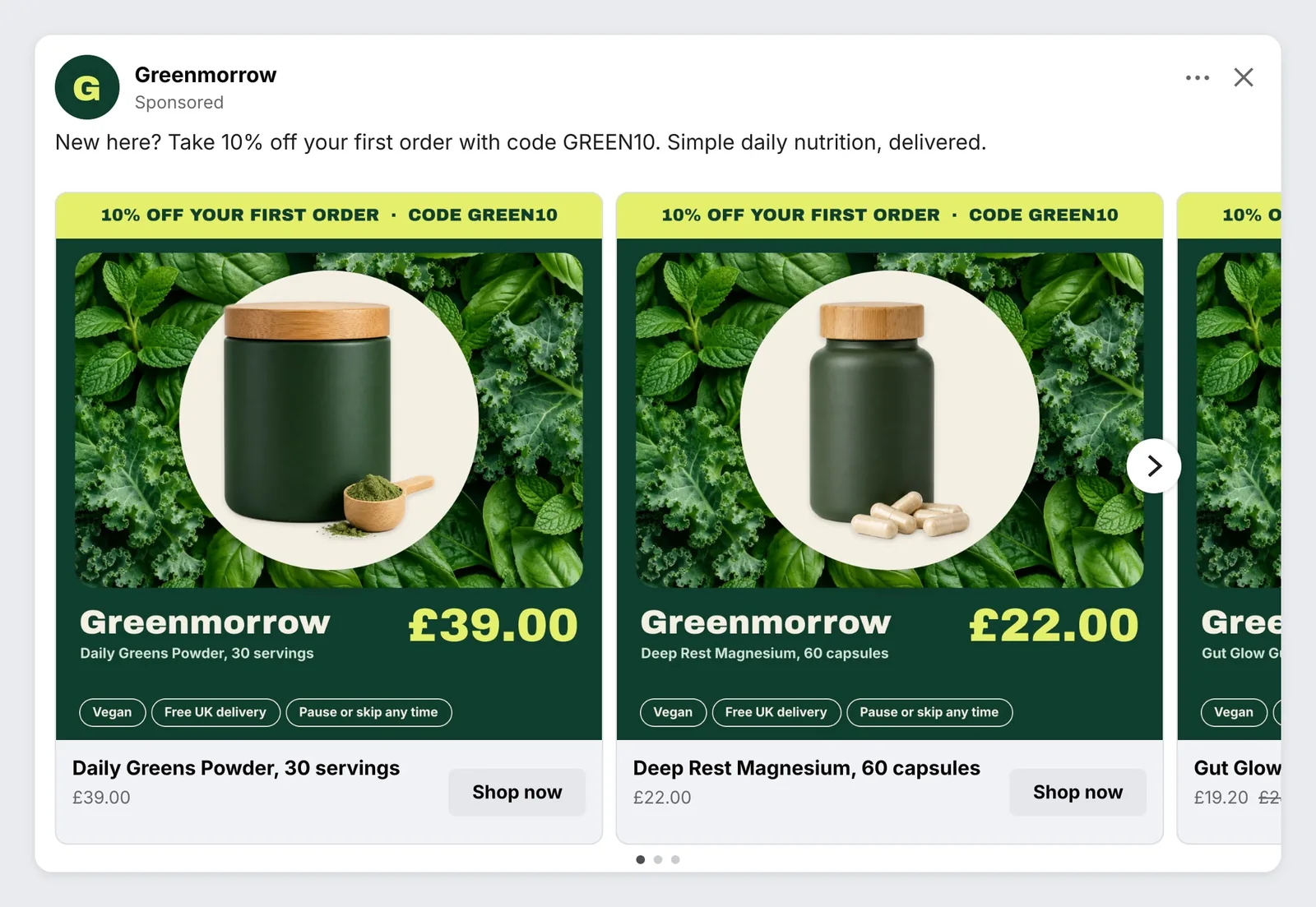
This time: Greenmorrow, an invented supplements brand, with three products: Daily Greens Powder (£39.00), Deep Rest Magnesium (£22.00) and Gut Glow Gummies (on sale at £19.20, down from £24.00). The offer is 10% off a first order with the code GREEN10.
What the design does
This is a prospecting design. It’s built for people who have never bought from the brand, so it leads with a reason to try it.
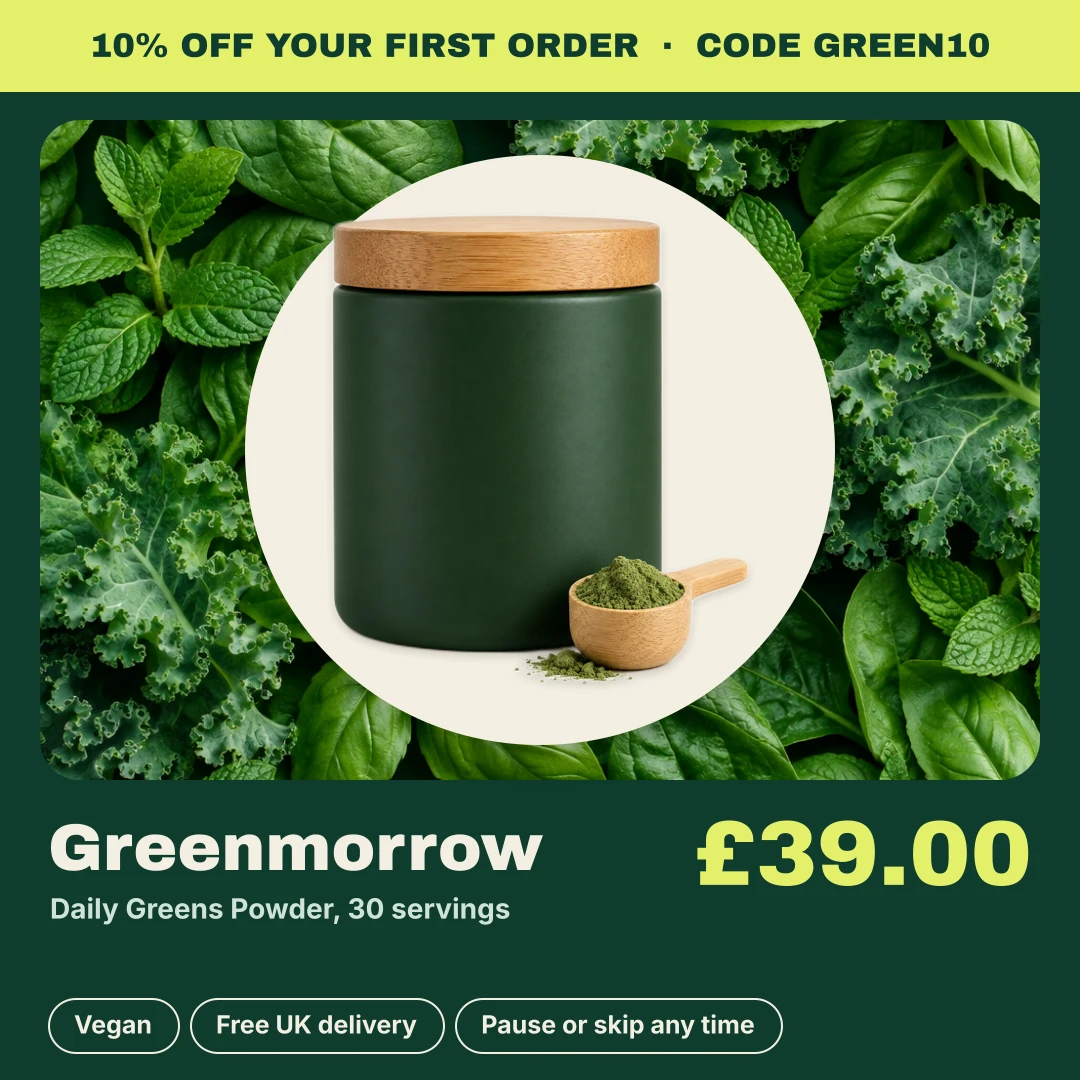
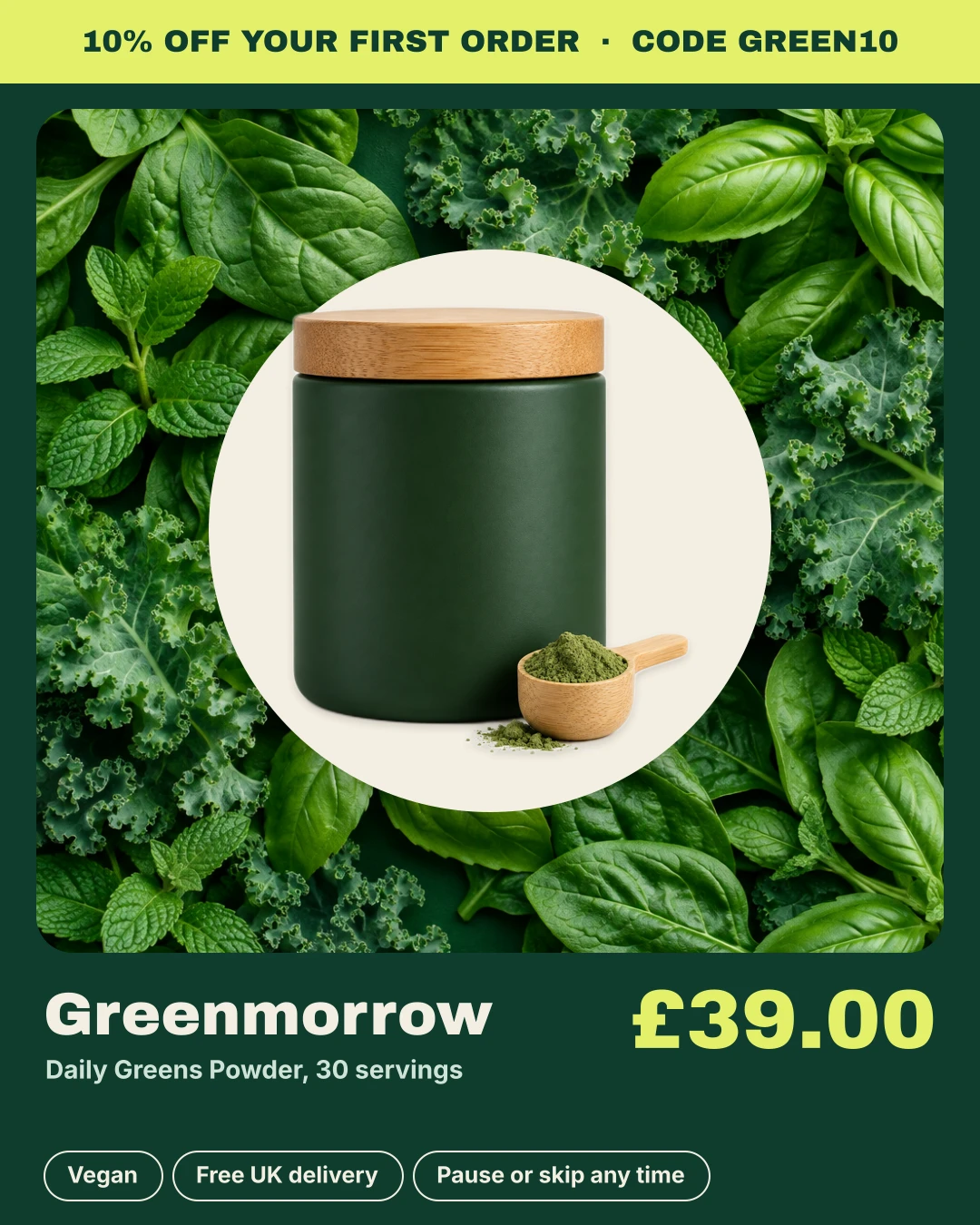
- An offer strip across the top gives the deal and the code in one line. It’s the first thing read on every card.
- A rounded photo window of fresh leaves says “natural” without a word of copy.
- A cream disc behind the product separates the pouch or tub from the busy background. Without it, a dark green pouch would disappear into dark green leaves.
- A deep green panel holds the wordmark, product name and price, with three short reassurance chips underneath.
What comes from the feed
| Part of the design | Where it comes from |
|---|---|
| Offer strip and code | Typed text, the same on every card |
| Wordmark | {{brand}} |
| Product name | {{title}} |
| Price | {{price}}, or {{sale_price}} when there is one |
| SAVE sticker and was price | {{discount_pct}} and {{price}}, only when on sale |
| Vegan, delivery and subscription chips | Typed text |
The offer is typed, not taken from the feed, because it applies to the order rather than to a product. The product-level saving is different: the burst sticker and the struck-through price only appear on the gummies, because only the gummies have a sale_price.
What we’d change for a real brand
- Point it at new customers. A first-order code shown to people who already buy is wasted at best. Use this design for prospecting, and a different one for retargeting existing customers.
- Watch two discounts on one card. A product on sale also shows 10% off a first order. If both apply, say so in your ad text. If they don’t stack, consider hiding the sale sticker in this design.
- Plan the end of the offer. Because the code is typed text, the design has to change when the offer ends. Keep a version without the strip ready to publish on the day.
- Check the chips are true for every product. “Vegan” on a strip shown with every product is only safe if every product in the feed is vegan. If not, move that claim into a custom label so it only appears where it applies.
Build it yourself
Everything in this design is a standard editor layer: an uploaded image for the background, shapes, text with placeholders, and the product image with Remove background switched on. Background removal is free for the first 50 product photos in each feed, then 1 AI credit per photo. Save your colours, fonts and logo in the brand kit so they’re to hand in every design, preview the result on products from your own feed, and publish. Every product then gets its own version, re-rendered when its price or details change. For the main kinds of layout and when to use each, read DPA templates: catalogue ad layouts and when to use each.
Keep reading
More in Template teardown Template teardown Template teardown: a back-in-stock band driven by a custom label 5 November 2026 · 3 min read
 Seasonal Christmas delivery cut-off dates in catalogue ads 28 October 2026 · 4 min read
 Seasonal Cyber Monday catalogue ads: switching sale creative without rebuilding your ads 27 October 2026 · 4 min read