Template teardown: a headline band that changes with the sale
An invented sun care brand's catalogue ad whose top band reads SUMMER SALE with each product's own saving, or a seasonal line at full price, from one design.
AI Shopping Feeds 3 min read
Concept, not a real ad. The brand, products and offers here are invented, and the product photos and backgrounds are AI-generated. Each card was rendered by our DPA Creative Editor from the product's feed data, with nothing edited afterwards; the feed post around it is a neutral mock-up. No real brand ran this ad or is connected with it.
On this page · 4 sections
Template Teardown takes one catalogue ad design made in our DPA Creative Editor and pulls it apart: what each part does, which parts come from the product feed, and what you’d change for your own brand. Every example is a concept for an invented brand. The cards are straight output from our renderer, using each product’s feed data, with nothing edited afterwards.
This time: Sunwick, an invented sun care brand. Two of its three products are on sale: Featherlight Daily SPF 50 Lotion (£14.40, down from £18.00) and After-Sun Cooling Gel (£11.20, down from £14.00). The SPF 30 Face Stick is full price at £12.00.
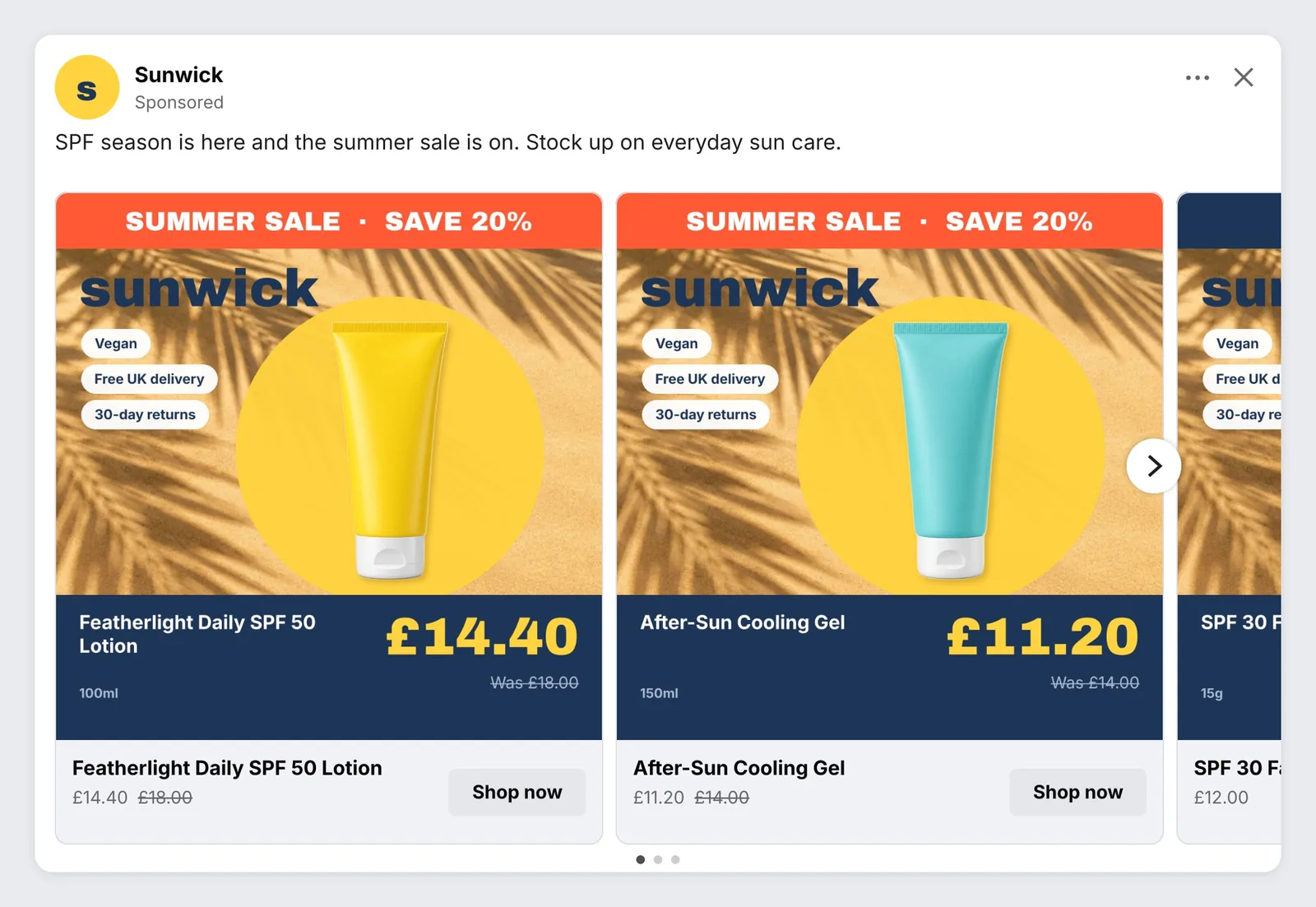
What the design does
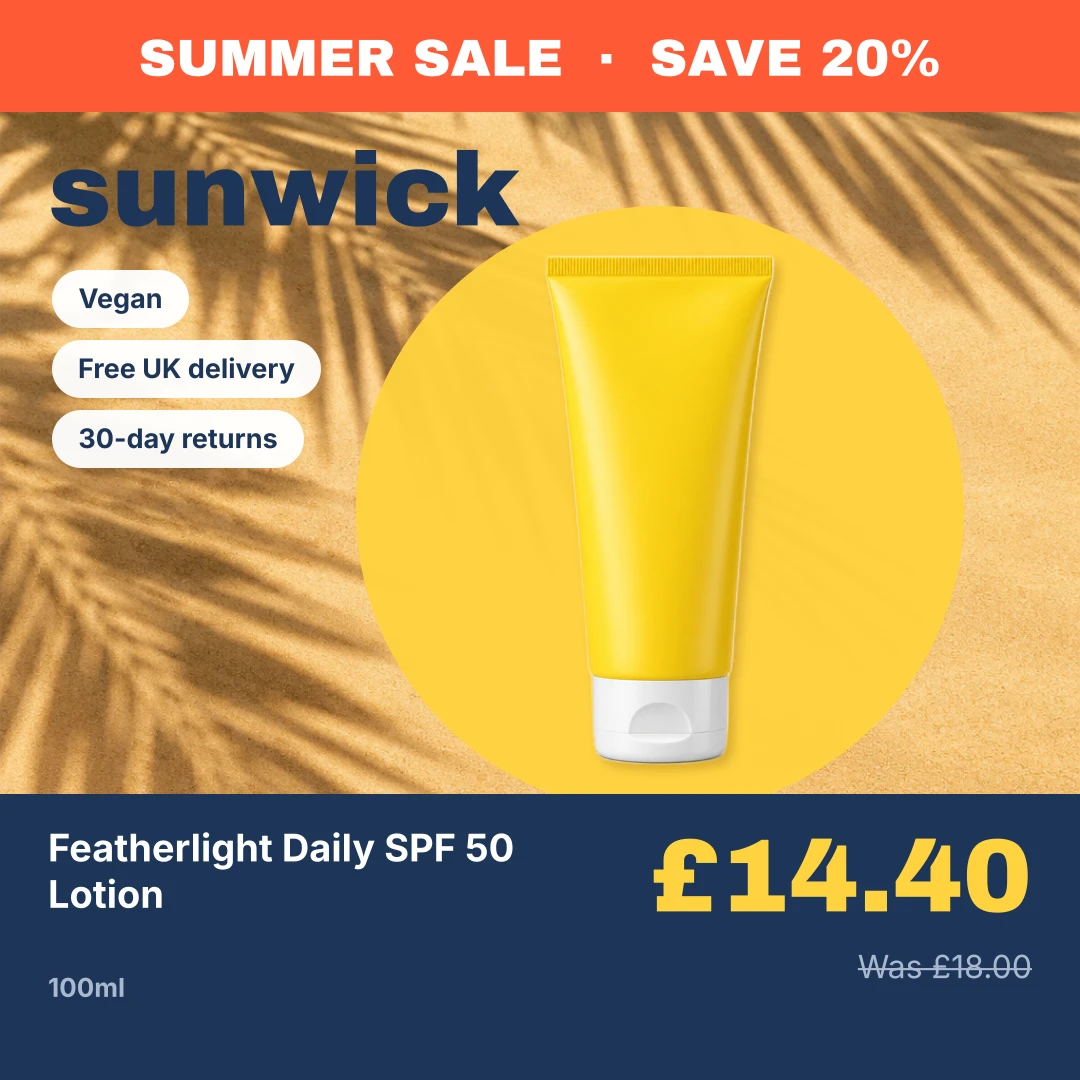
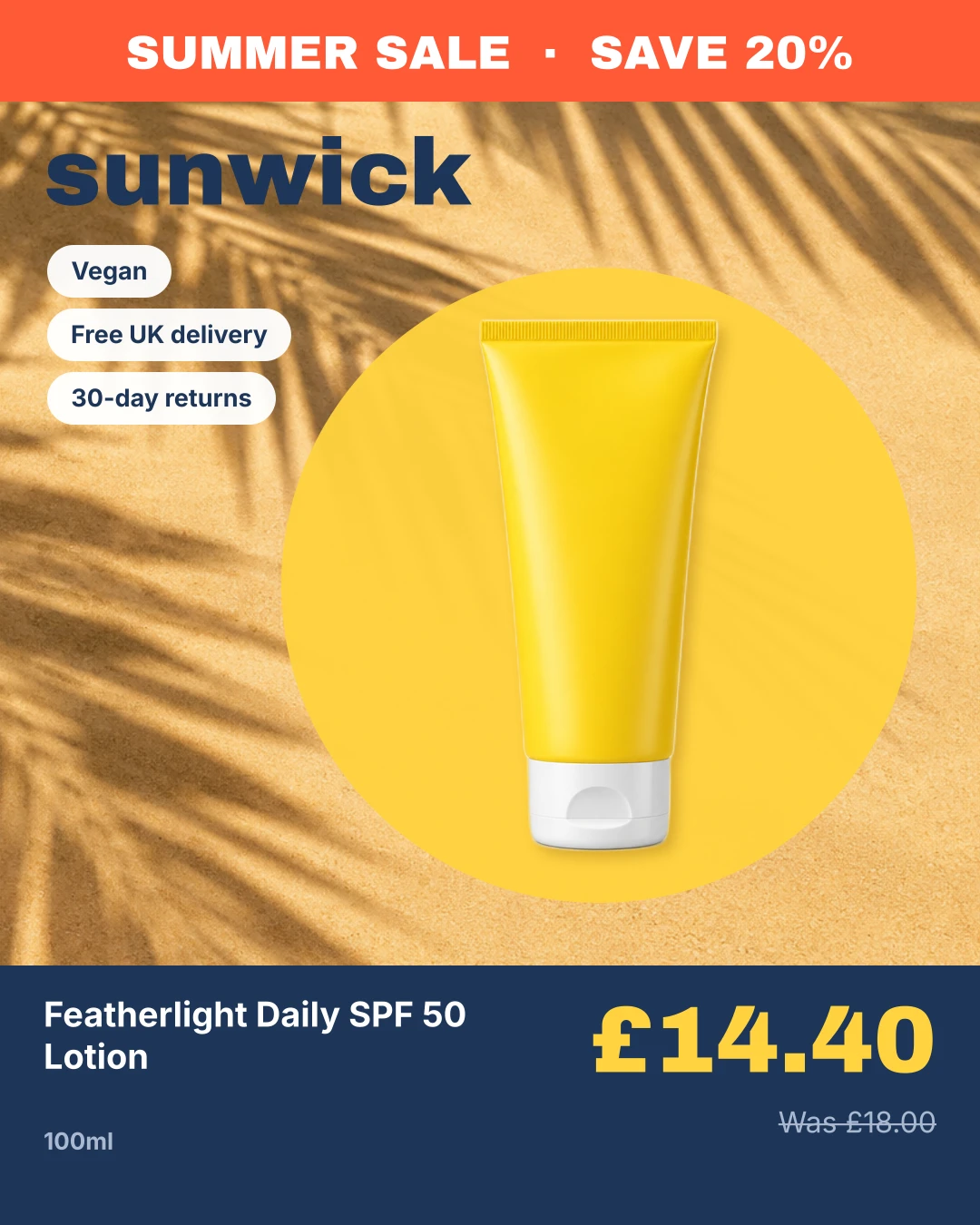
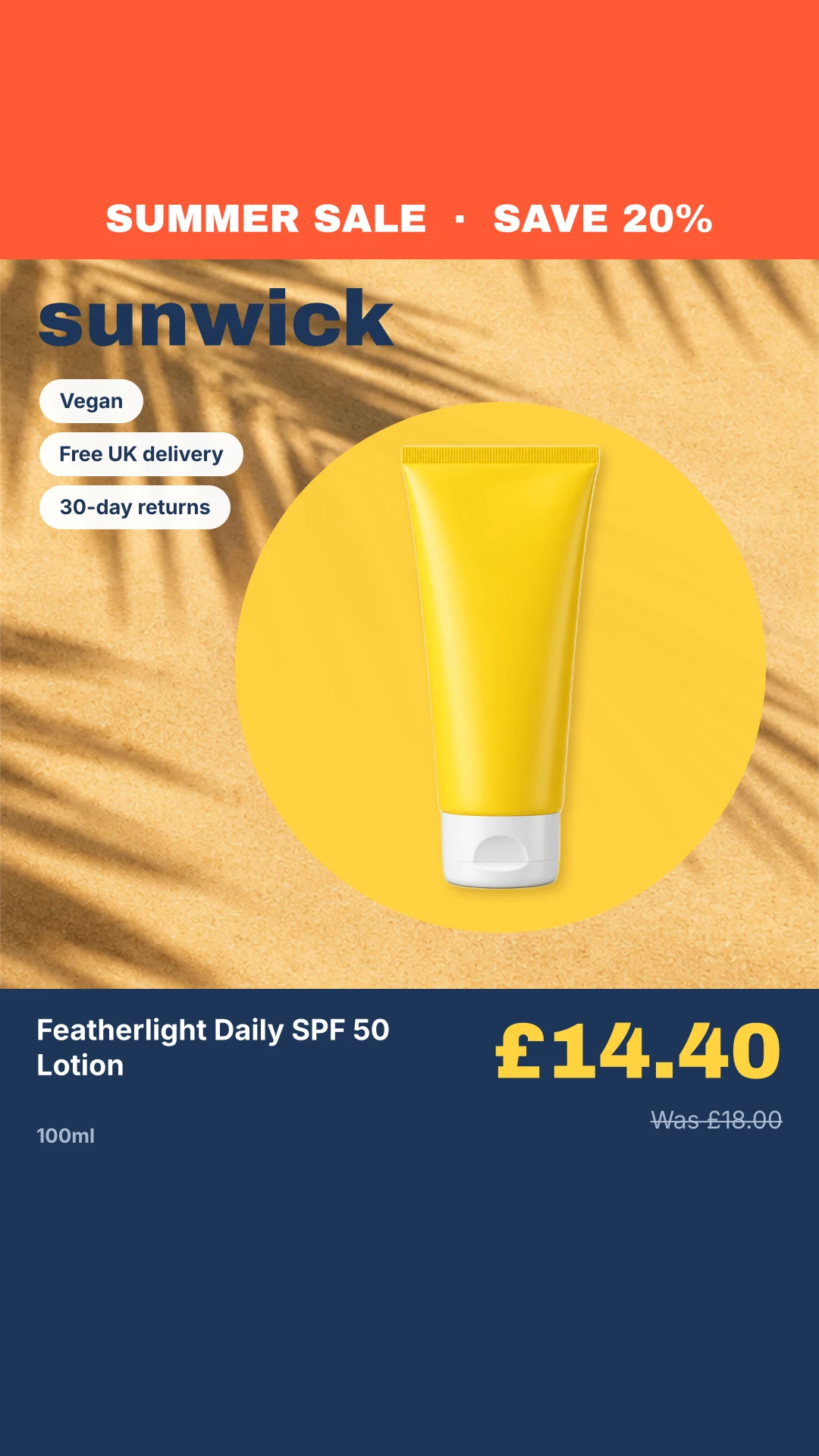
- A coloured band across the top carries the headline. On sale products it reads “SUMMER SALE · SAVE 20%”. On full-price products it reads “SPF SEASON IS HERE”.
- A sand and palm-shadow photo sets the season, with a large yellow disc behind the product, which reads as the sun and frames the tube.
- A lower-case wordmark and three reassurance chips sit on the left, out of the product’s way.
- A navy panel holds the name, size and price, with the old price struck through when there is one.
One design, two headlines
The band is really two bands stacked in the same place, each with a condition:
| Layer | Shows when | Text |
|---|---|---|
| Sale band | sale_price is present | SUMMER SALE · SAVE {{discount_pct}} |
| Full-price band | sale_price is empty | SPF SEASON IS HERE |
So the percentage in the band is each product’s own. The lotion and the gel both happen to be 20% off; a product at 30% off would say 30% from the same design. And when the sale ends and the sale prices leave the feed, every card switches to the seasonal line on the next render, without anyone editing the design.
The rest is placeholders: {{brand|lower}} for the wordmark, {{title}}, {{size}} (shown only when the feed has a size), and the price layers.
What we’d change for a real brand
- Write the full-price line first. It’s the one that runs for most of the year. A good full-price headline means the design never has to be swapped out between sales.
- Watch small savings. “SAVE 3%” in a big orange band looks weak. If some products in the sale are only a few per cent off, show the saving as an amount with
{{discount_amount}}, or leave the number out of the band. - Load sale dates with sale prices. If your feed has
sale_price_effective_date, the creative follows it, so the band switches on the day the sale starts rather than the day the price is loaded. - Check the season. A summer sale design in November needs a new photo and line. The structure carries straight over to a winter sale.
Build it yourself
Everything in this design is a standard editor layer: an uploaded image for the background, shapes, text with placeholders, and the product image with Remove background switched on. Background removal is free for the first 50 product photos in each feed, then 1 AI credit per photo. Save your colours, fonts and logo in the brand kit so they’re to hand in every design, preview the result on products from your own feed, and publish. Every product then gets its own version, re-rendered when its price or details change. For the main kinds of layout and when to use each, read DPA templates: catalogue ad layouts and when to use each.
Keep reading
More in Template teardown Template teardown Template teardown: a first-order offer on every card 12 November 2026 · 3 min read
 Template teardown Template teardown: a back-in-stock band driven by a custom label 5 November 2026 · 3 min read
 Seasonal Christmas delivery cut-off dates in catalogue ads 28 October 2026 · 4 min read